Encountering problems in Monster Hunter Wilds? Here’s a guide to resolve common issues
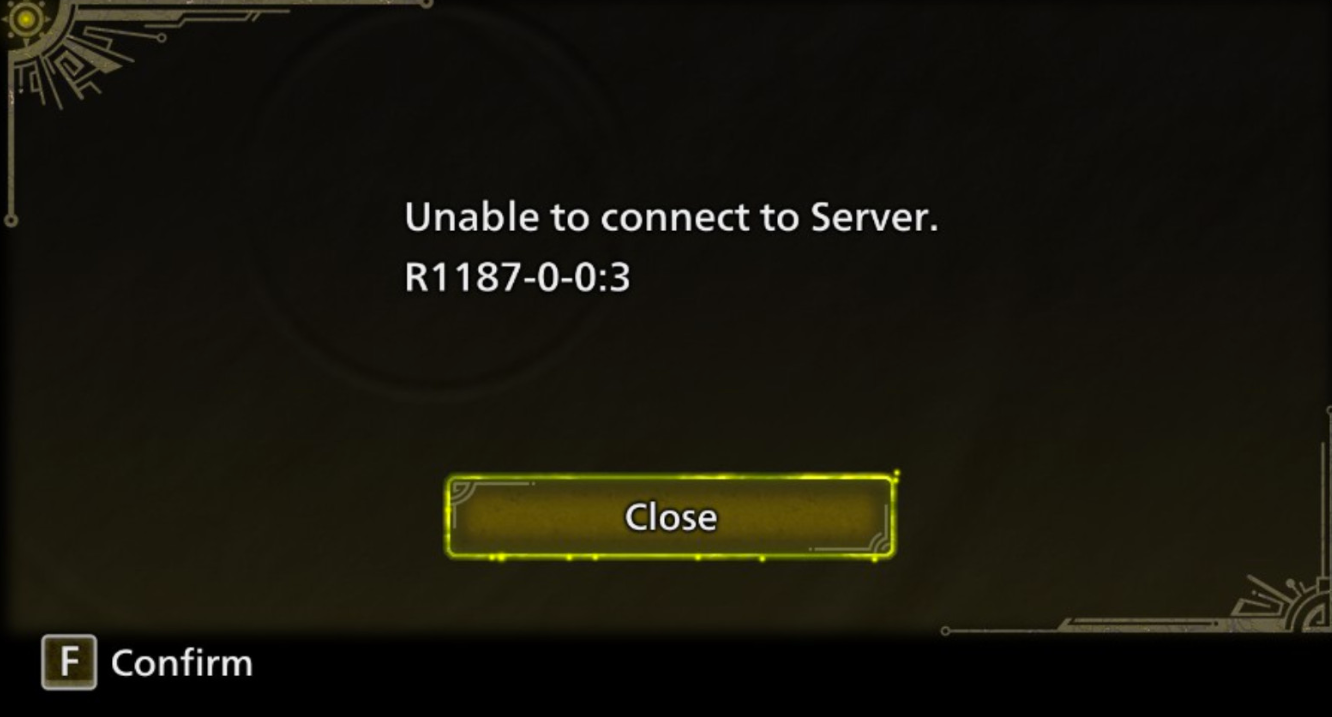
1. Unable to Connect to Server
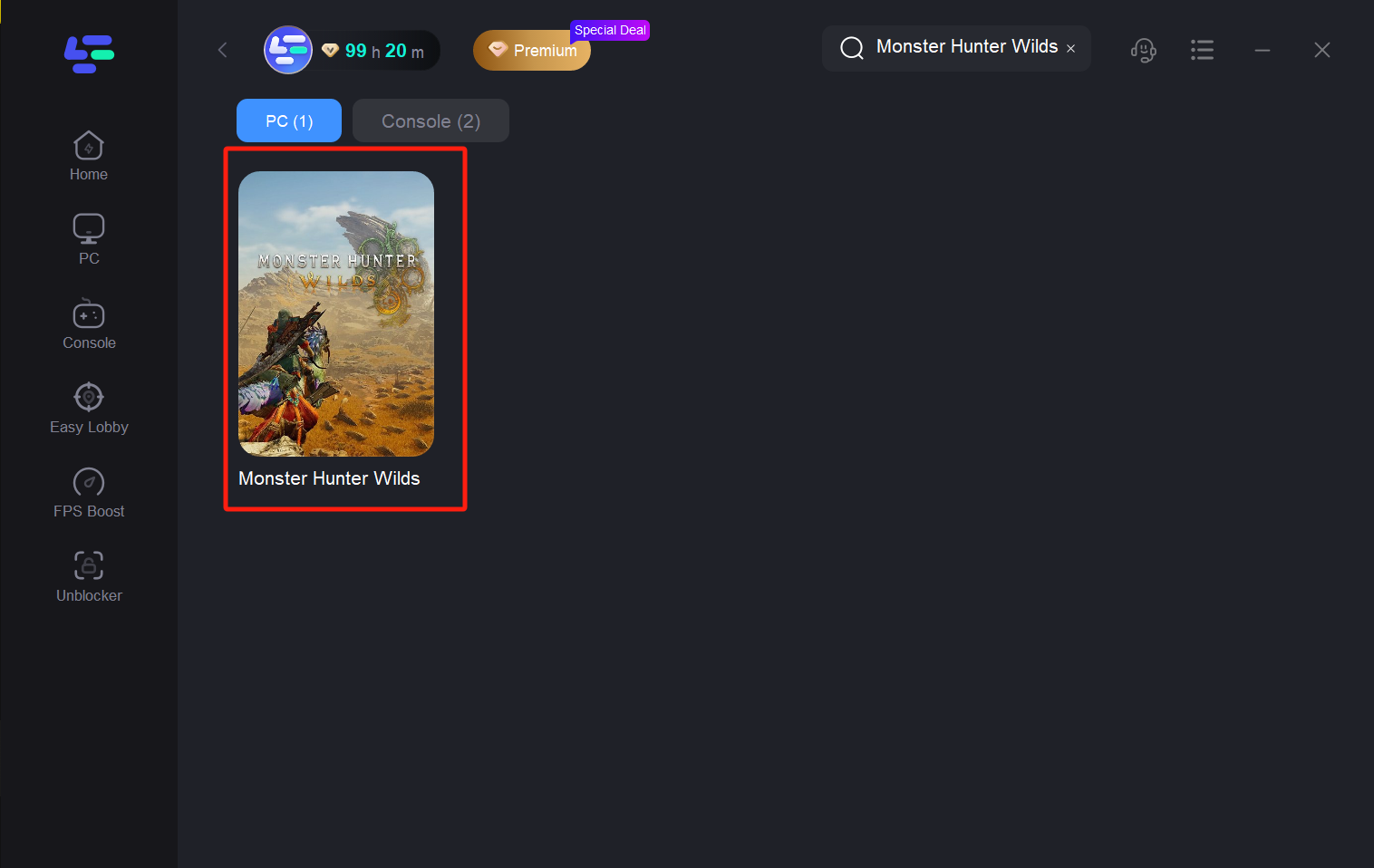
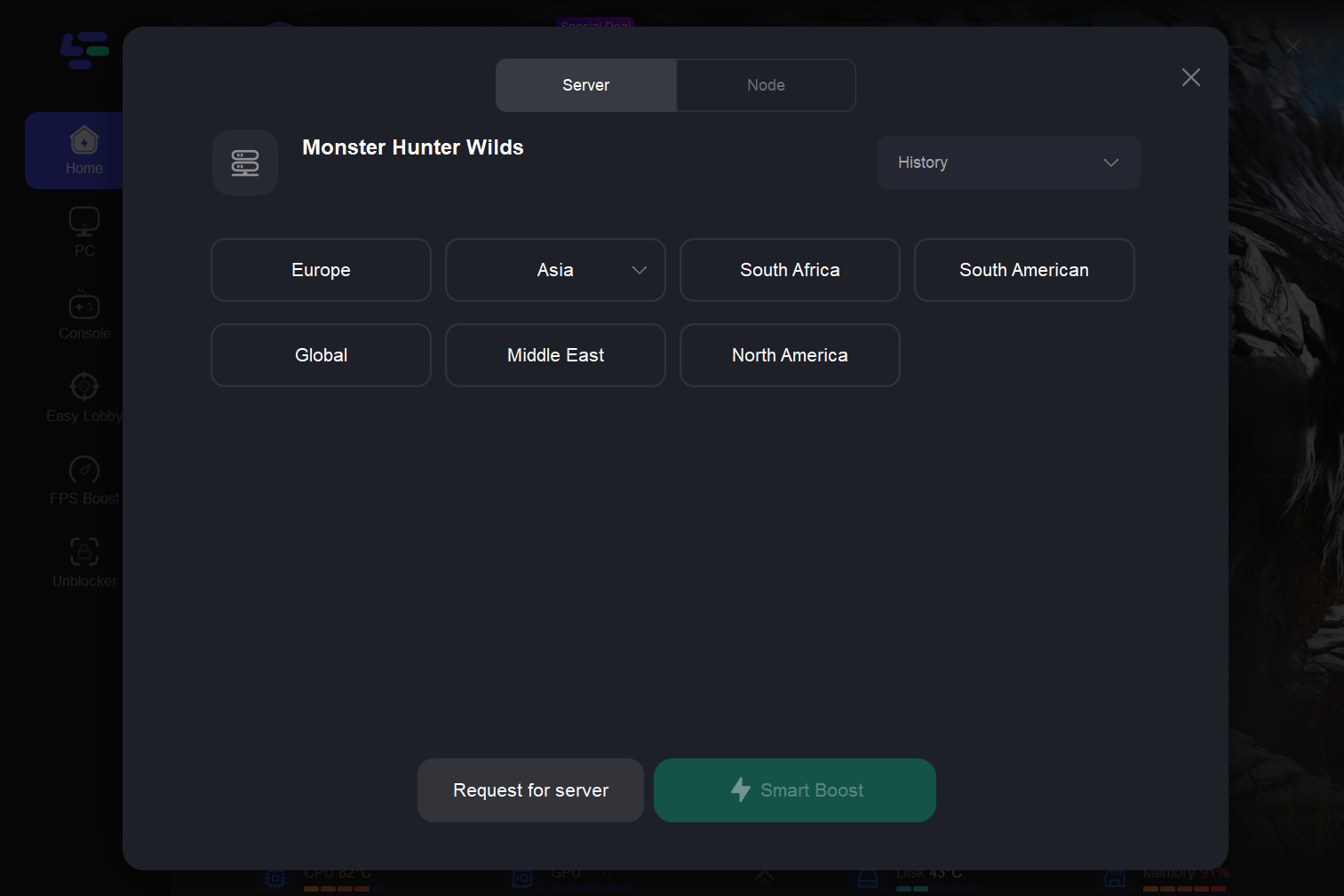
Solution: Use LagoFast to search for Monster Hunter Wilds and enable game Boost. Try reconnecting after starting the Boost.
2. Game Won’t Launch on AMD Graphics Cards
Solution: Navigate to the game’s installation directory, locate, and delete the CrashReport folder or CrashReport.dll file.
3. Crashes After Entering Game (AMD Graphics)
Solution: Find the CrashReport folder or CrashReport.dll in the game directory and delete them. This should help resolve the in-game crashes for AMD users.
4. Shader Compilation Crash
Solution: In Omen Gaming Hub, switch the GPU mode to Direct Mode. This often fixes shader compilation crashes.
5. Unsupported Graphics Card Error
Solution: For Windows 11 users, try deleting crashreport.exe and crashreport.dll from the game directory. Note that this fix may not work on Windows 10
6. Communication Error
Solution: Switch to a different LagoFast node to improve network stability and resolve communication errors.

