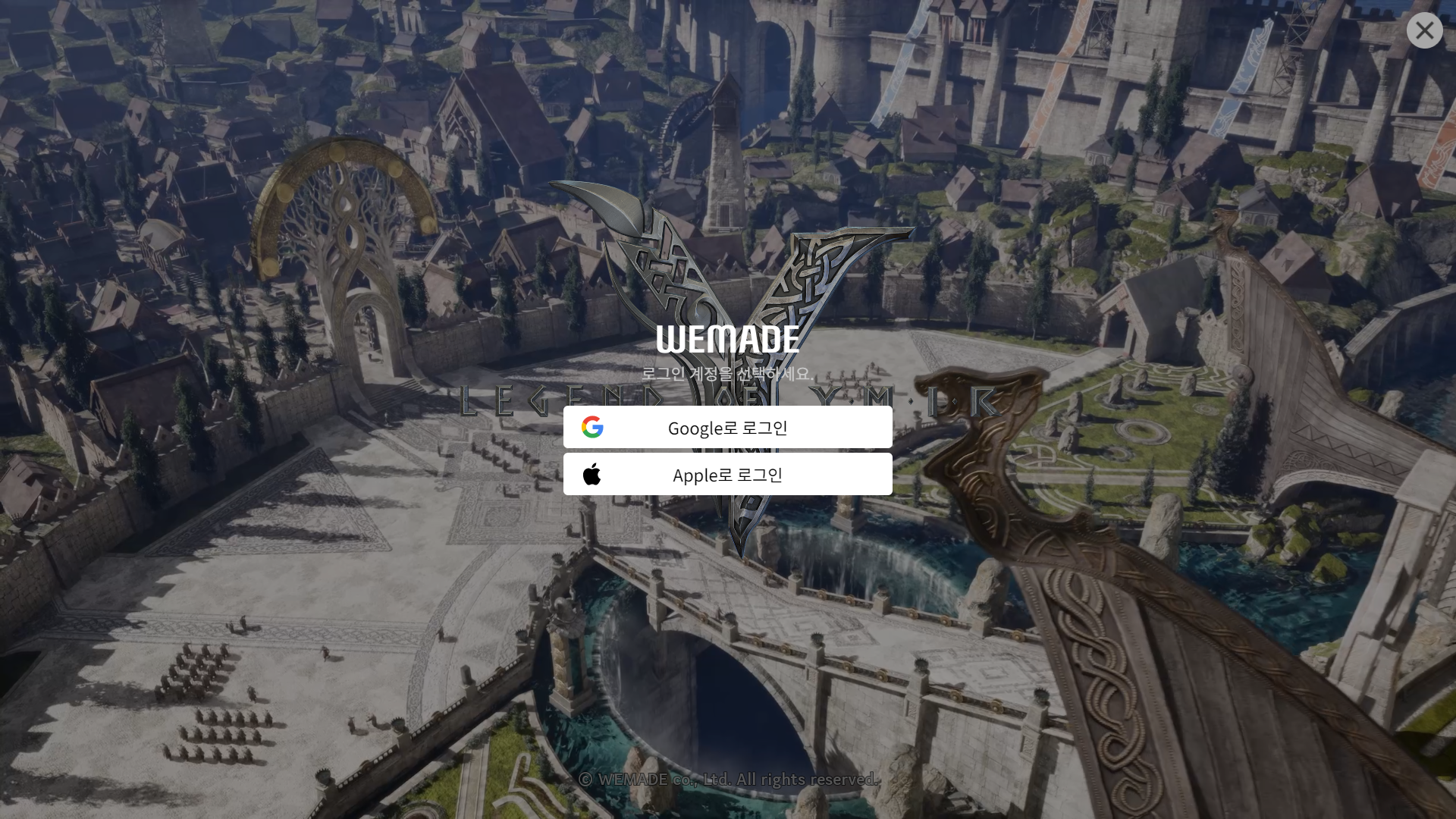
Legend of Ymir is set to officially launch in Korea on February 20, and players from outside of Korea might face strict verification barriers like identity information and a Korean phone number during the download and registration process. But don’t worry—by using LagoFast, you can easily download and access the game without these regional restrictions. Here's how:
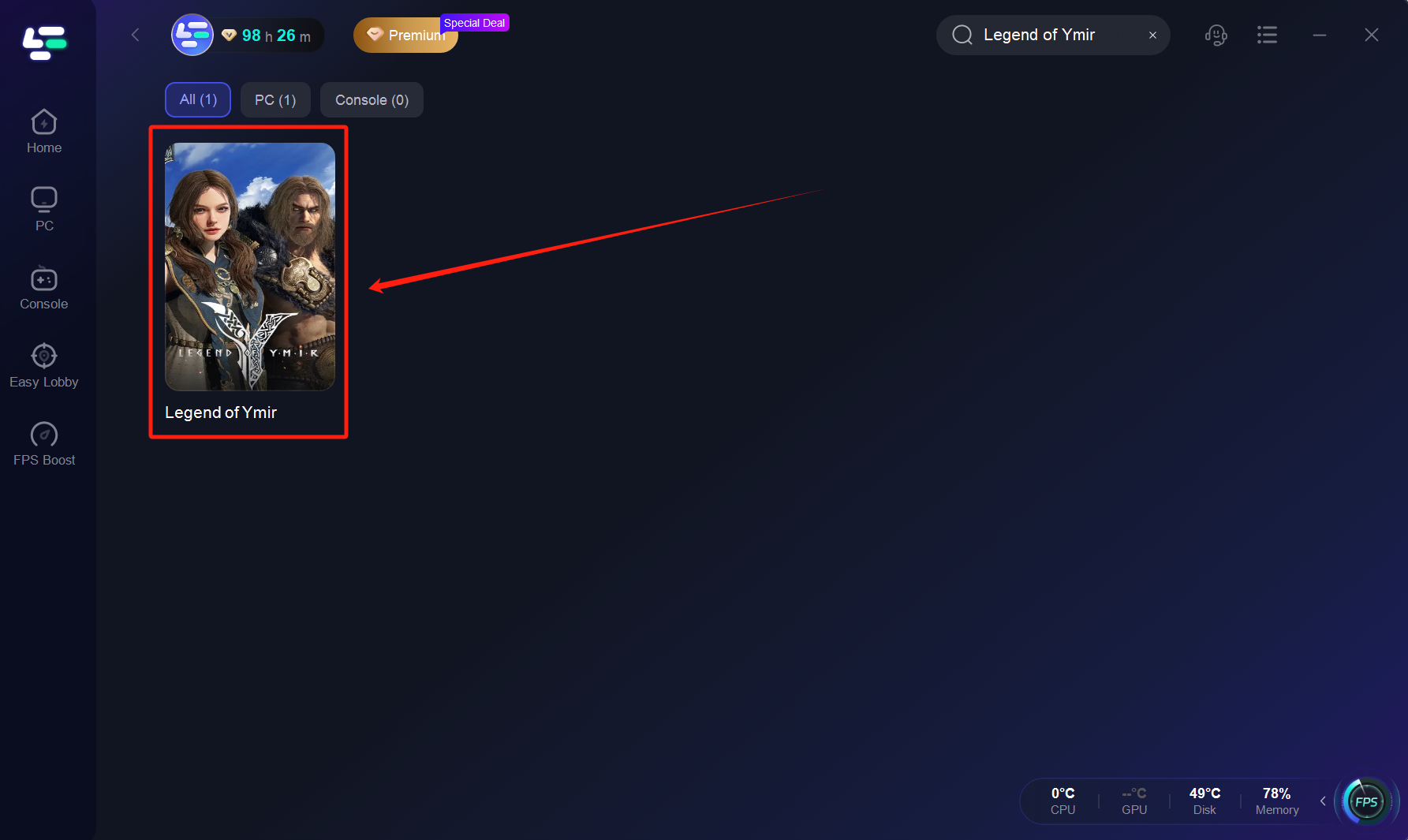
Step 1: Search for Legend of Ymir on LagoFast
Open LagoFast, and in the search bar, type in Legend of Ymir to locate the game.
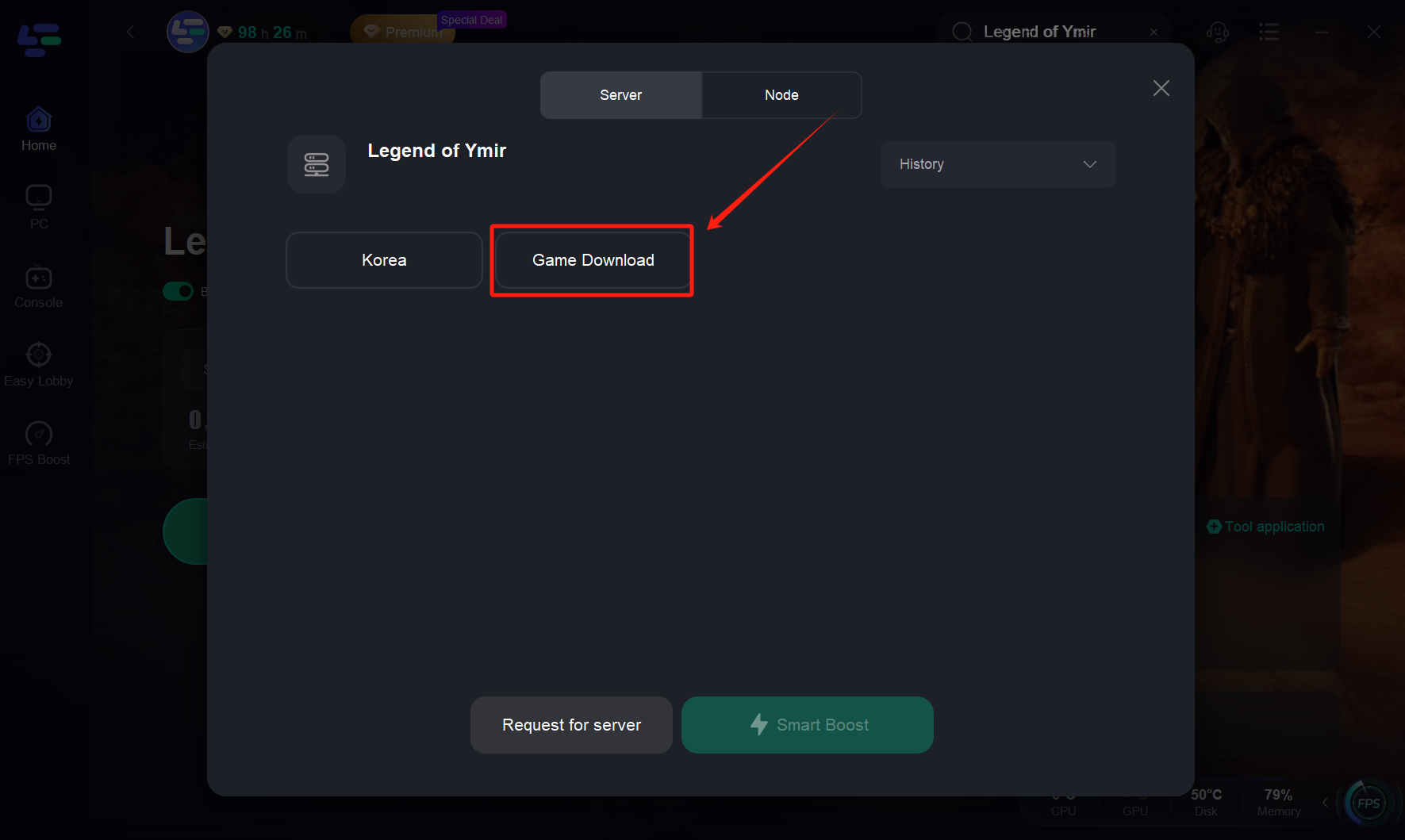
Step 2: Select the "Game Download" Server and Boost
Once the game is located, select the "Game Download" server and start boosting.
Note: Keep LagoFast running during the download process to avoid potential issues such as failed downloads or installation problems.
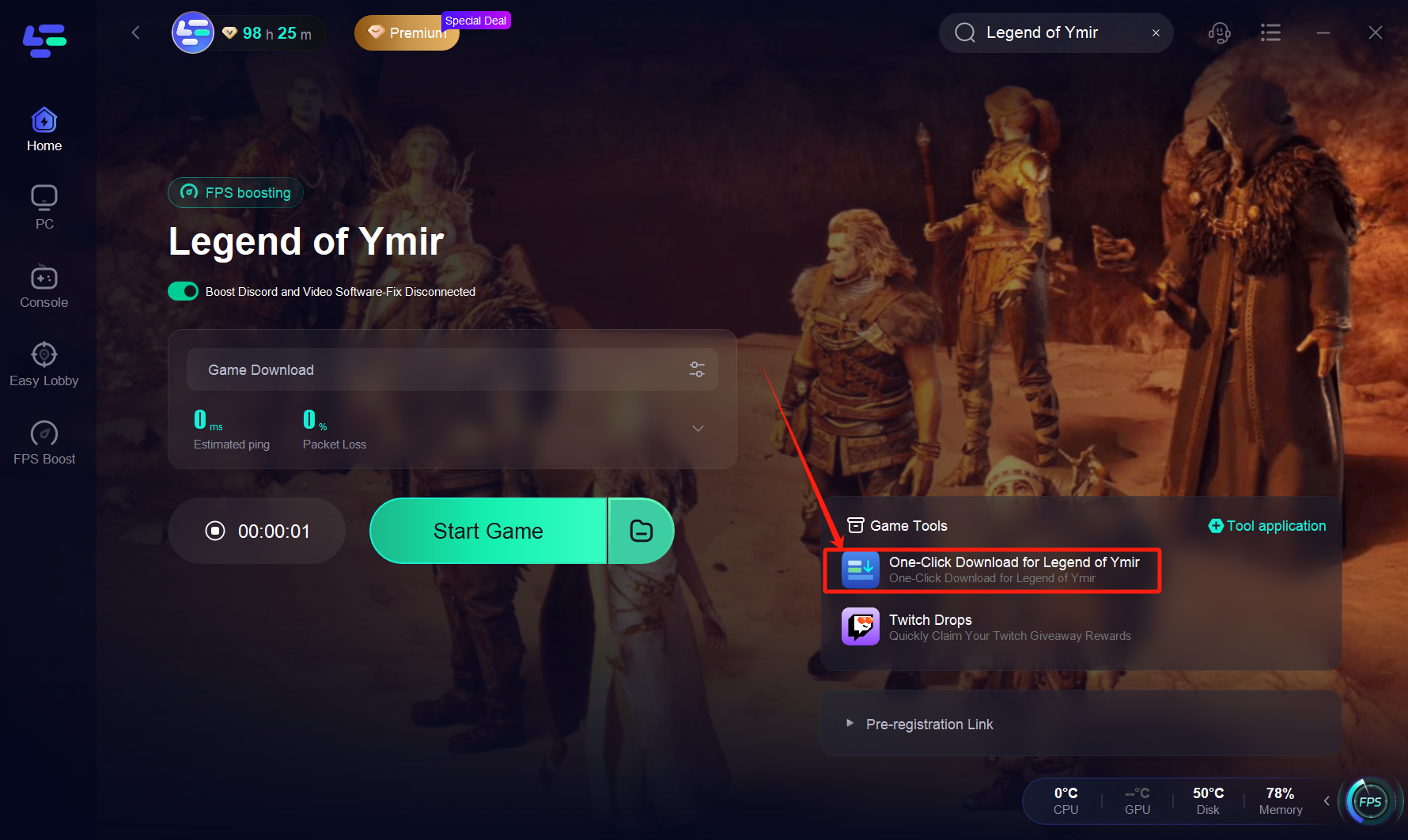
Step 3: Choose the "Game Download" Tool
After boosting, select the "Game Download" tool in LagoFast.
Step 4: Download and Install the Game Launcher
The download will begin, and you'll need to install the launcher. Follow the on-screen instructions to complete the installation.

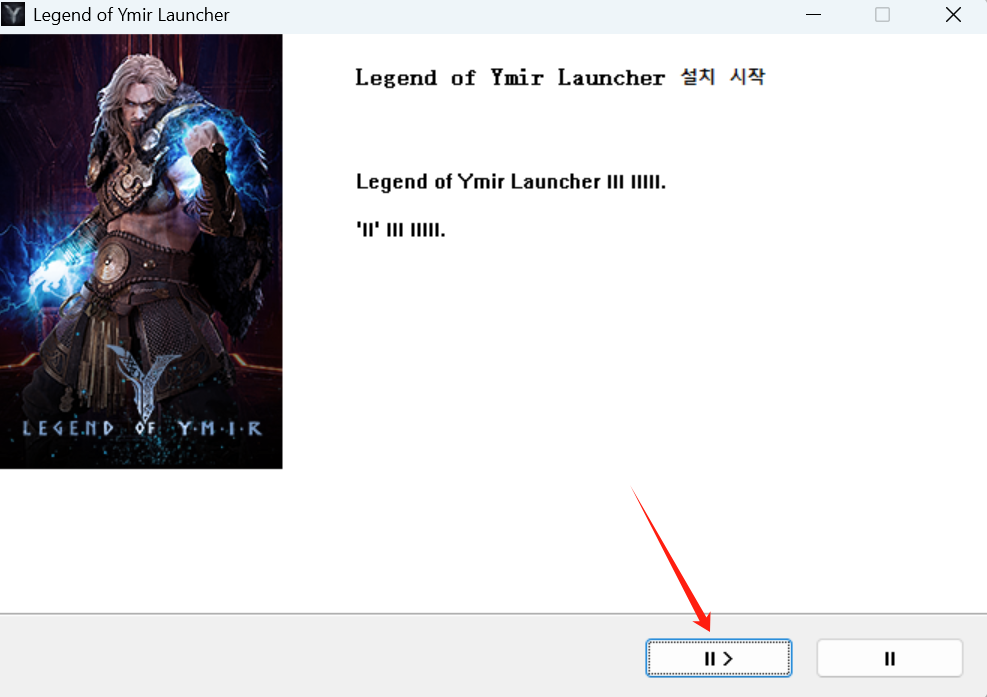
Step 5: Access the Game Website
Once the launcher is installed, open the Legend of Ymir official website, and click on Game Start to proceed with the game installation.

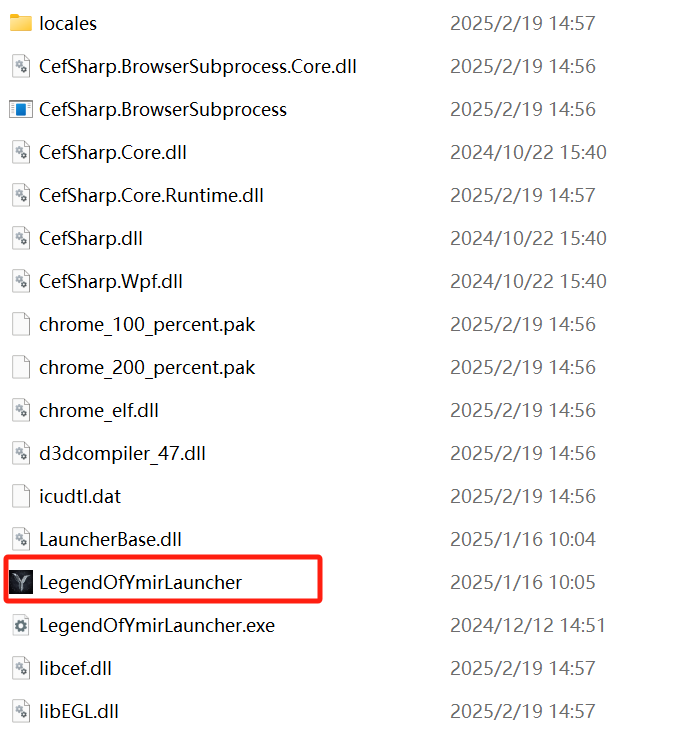
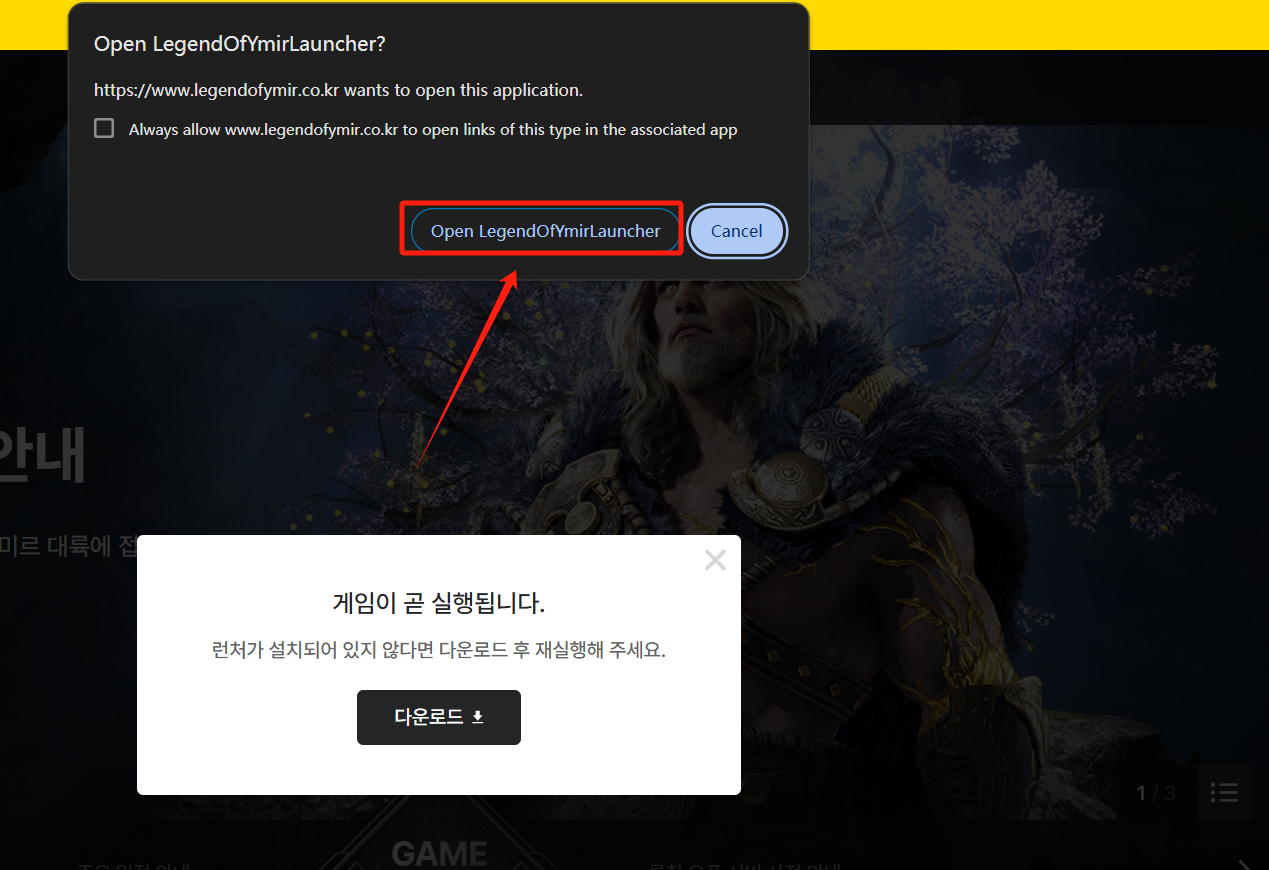
Step 6: Play the Game!
After downloading the game and setting everything up, you'll be able to access and enjoy Legend of Ymir without the regional restrictions.