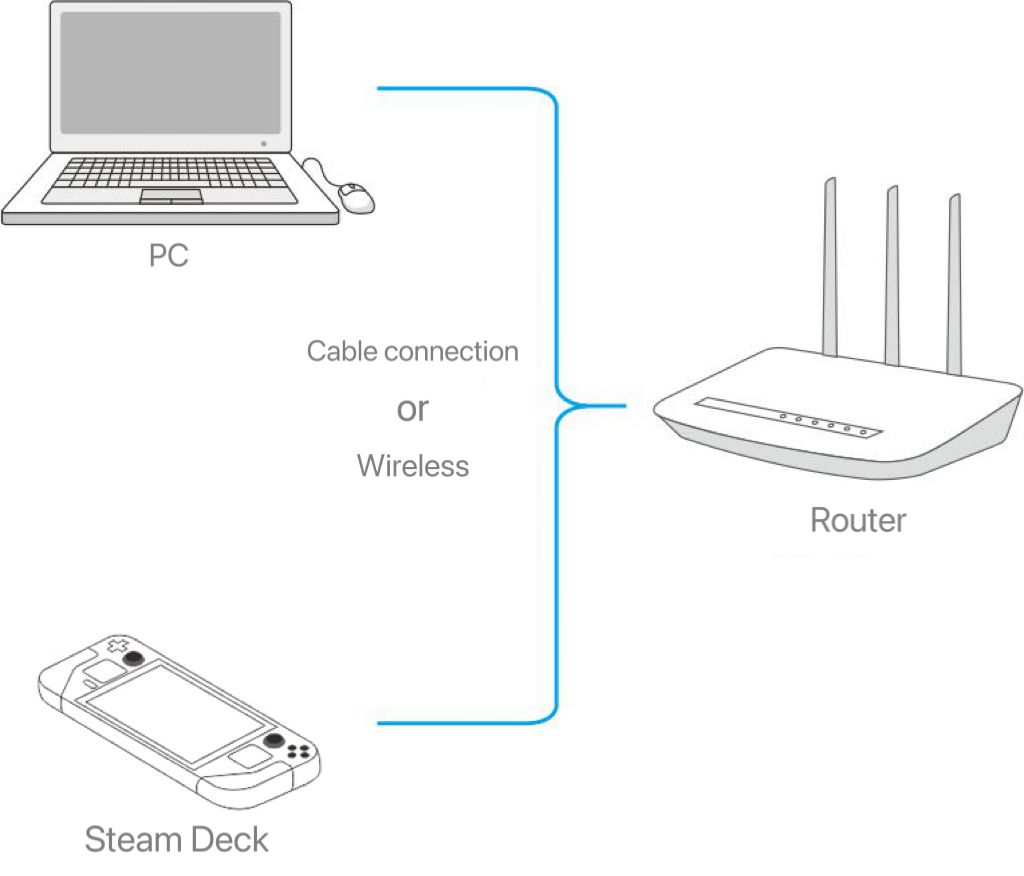
1. Please connect SteamDeck to the same network/router as your computer.
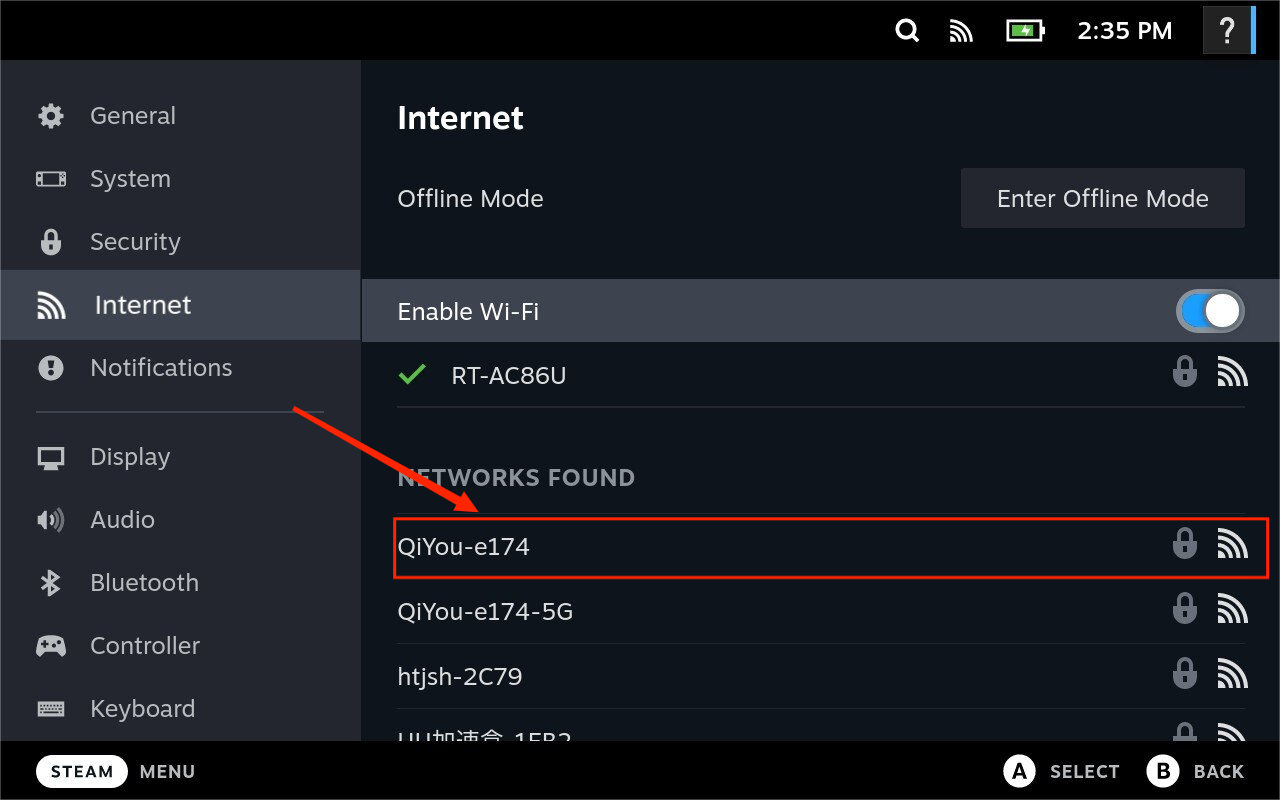
2. Configuring your network on SteamDeck
Press [STEAM] to enter the menu, select "Settings" - "Internet" - "Select Network" and select the network your computer is using.
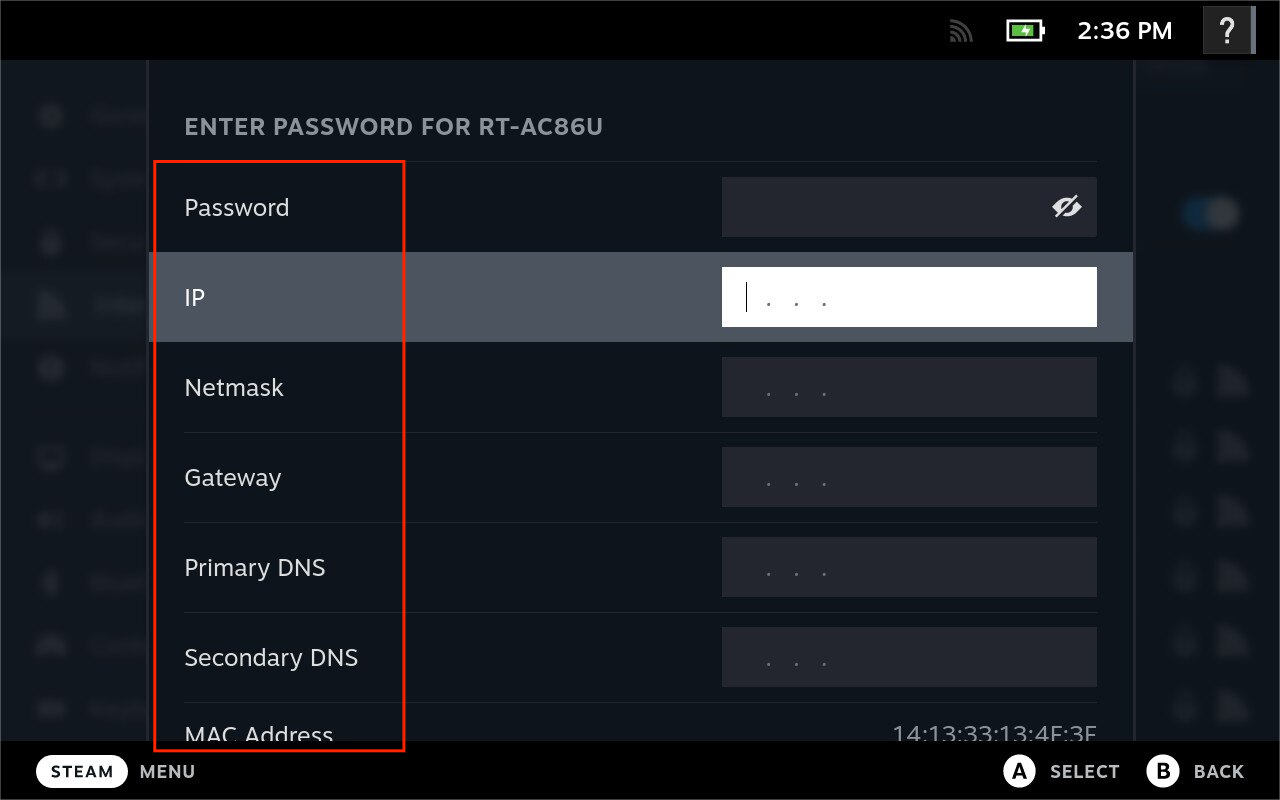
3. Do not enter the password first, click [Show Advanced Settings]
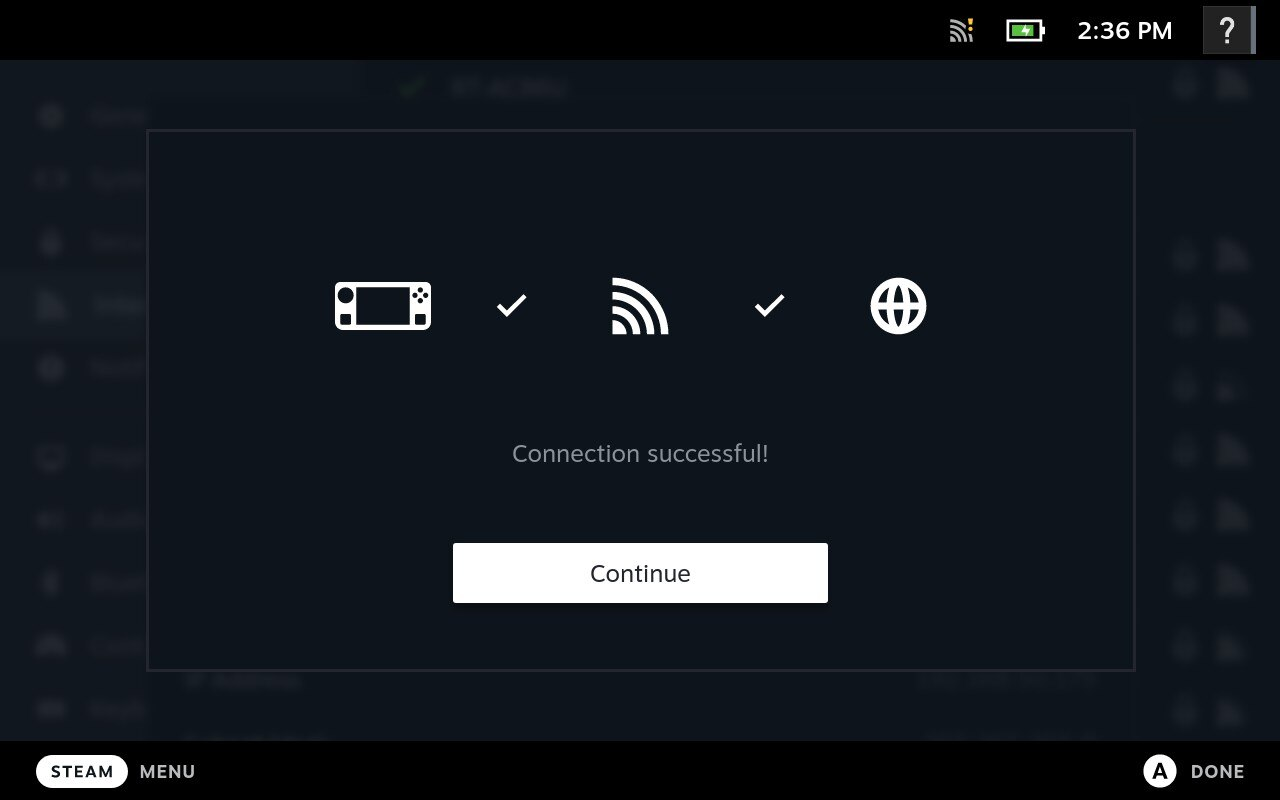
Then Enter [Password], [IP], [Netmask], [Gateway], [Primary DNS] and [Secondary DNS] as prompted by the LagoFast client, and then click to connect.